

How to set up a crypto wallet finally clicked for me after way too many close calls, y’all. It’s January 2026 here in my cramped Austin apartment—rain’s pounding the window again, my cat’s judging me from the couch, and I’ve got this half-eaten burrito going cold because I’m typing this out. I started messing with crypto back in ’24, thought I was hot stuff buying on an exchange, then realized I didn’t actually own jack. That “not your keys” thing hit hard. So yeah, I dove into crypto wallet setup, screwed up a bunch, and now I’m spilling it all ’cause I wish someone had just rambled honestly like this to me.
No fancy promises here—just my messy path. Let’s get into it, okay? Anyway.
Why Bother With Your Own Crypto Wallet Setup Anyway?
Exchanges are comfy, like leaving money in a bank. But banks can freeze stuff, or worse (FTX flashbacks, anyone?). With your own wallet, you’re in control. Scary? Hell yes. But also kinda badass once you get it. I flip-flop on this—some days I’m like “why did I do this to myself,” others I’m proud af.
Hot wallets for quick trades, cold for hodling. I use both now, started with hot ’cause free.
188+ Thousand Wallet Crypto Royalty-Free Images, Stock Photos …
My First Crypto Wallet Setup Fiasco: Software Edition
MetaMask was my gateway drug. Everyone raves about it for ETH and DeFi.
Here’s the steps, with my dumb moments:
- Head to the real site: https://metamask.io. I bookmarked it after almost hitting a fake one—sweaty palms moment.
- Add the extension or app.
- Create wallet, pick a password (make it good, I reused an old one first, changed it quick).
- The seed phrase reveal… dude.

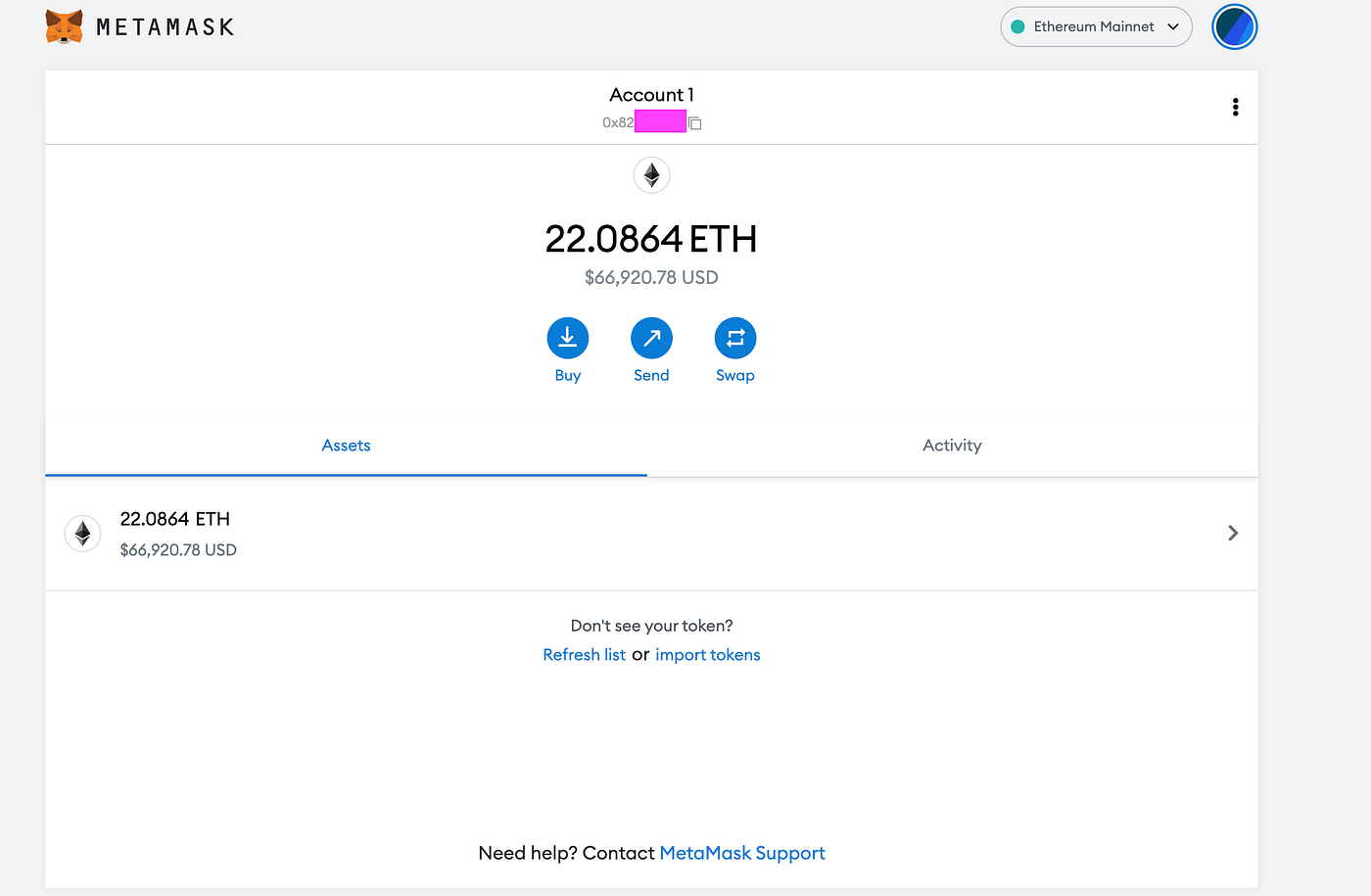
Write those words down. On paper. I scribbled mine on a napkin first—bad idea, smudged it. Got proper paper after. Never digital, ever. I tested with a small send, felt genius… until I fell for a shady approval and lost some gas money. Use https://revoke.cash to clean up permissions, learned that the hard way.
Trust Wallet on mobile is similar if you’re phone-first.
Going Hard Mode: Hardware Crypto Wallet Setup
After my software scare, I splurged on a Ledger. Box showed up, I unboxed it while procrastinating laundry.
Rough steps:
- Download Ledger Live from https://www.ledger.com.
- Set up device, write seed (again!).
- Verify on the actual hardware—feels secure af.
- Link to MetaMask for fancy stuff.
I botched a firmware update once, thought it was bricked. Reset and cried a little. Trezor is great too if you like open-source.
Seed Phrase Backup: Don’t Be As Sloppy As Early Me
Paper’s fine short-term, but life happens—fires, floods, nosy roommates. I upgraded to metal backups.

Split if you’re serious. Never ever share.
Mistakes I Made During Crypto Wallet Setup (So You Skip ‘Em)
- Phishing clicks. Double-check URLs always.
- Digital seed storage. Deleted a screenshot once in panic.
- Big sends without testing small first.
- Forgetting to check fees—paid stupid high once.
- Thinking I’d “remember” the phrase. Nope.

3+ Hundred Crypto Investment Confusion Royalty-Free Images, Stock …
Okay, Wrapping My Ramble on How to Set Up a Crypto Wallet
If this scatterbrain can figure out crypto wallet setup—and trust, I’ve had days where I questioned my life choices—you got this. Start tiny, mess around, learn from oopsies like mine. It’s nerve-wracking at first, that stomach drop when you hit confirm, but then? Freedom vibes.
Go do it now—grab MetaMask, play with testnet if scared. Drop your horror stories below, I’ll commiserate. Not advice, just my flawed tale from rainy Texas.